

blog
Microsoft discontinues Active Directory Replication Status Tool
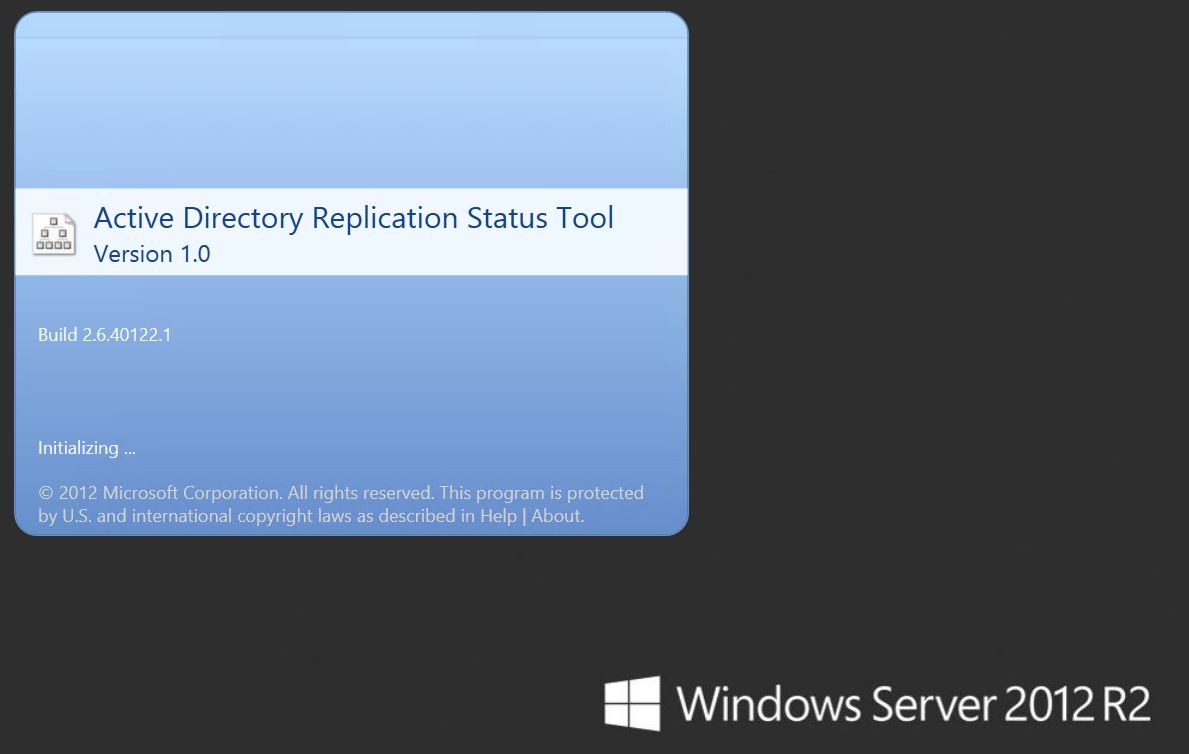
The Active Directory Replication Status Tool used to be a very handy way to get a quick, visual overview of replication health across domain controllers. And if you have ever dealt with broken AD replication, you already know why that mattered: replication problems rarely stay isolated for long. They usually turn into authentication issues, stale objects, broken Group Policy behavior, or general confusion across the environment.
Why admins liked this tool
The tool was a practical first-look dashboard. It could list all domain controllers and give you a readable summary of replication issues without forcing you to build reports manually from command-line output.
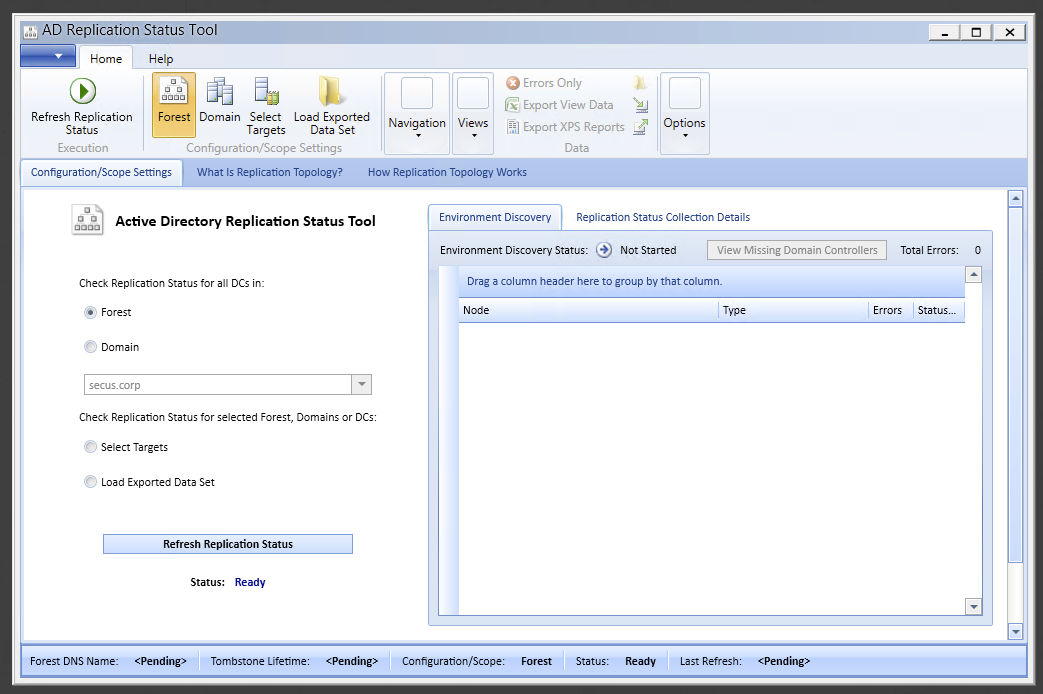
Its frustrating limitation was the timed license model, which required you to download a fresh copy every 30 days.
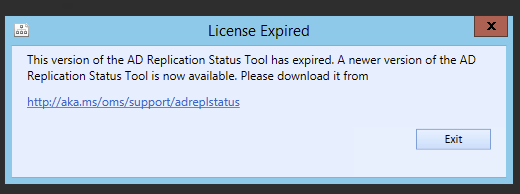
What changed
At the time of the original post, it was no longer possible to download the AD Replication Status Tool from Microsoft. Instead, admins were pushed toward Operations Management Suite, which offered broader monitoring and assessment capabilities.
That was useful for some teams, especially those already comfortable with cloud-based monitoring, but it was not a perfect replacement for administrators who simply wanted a lightweight local tool for replication troubleshooting.
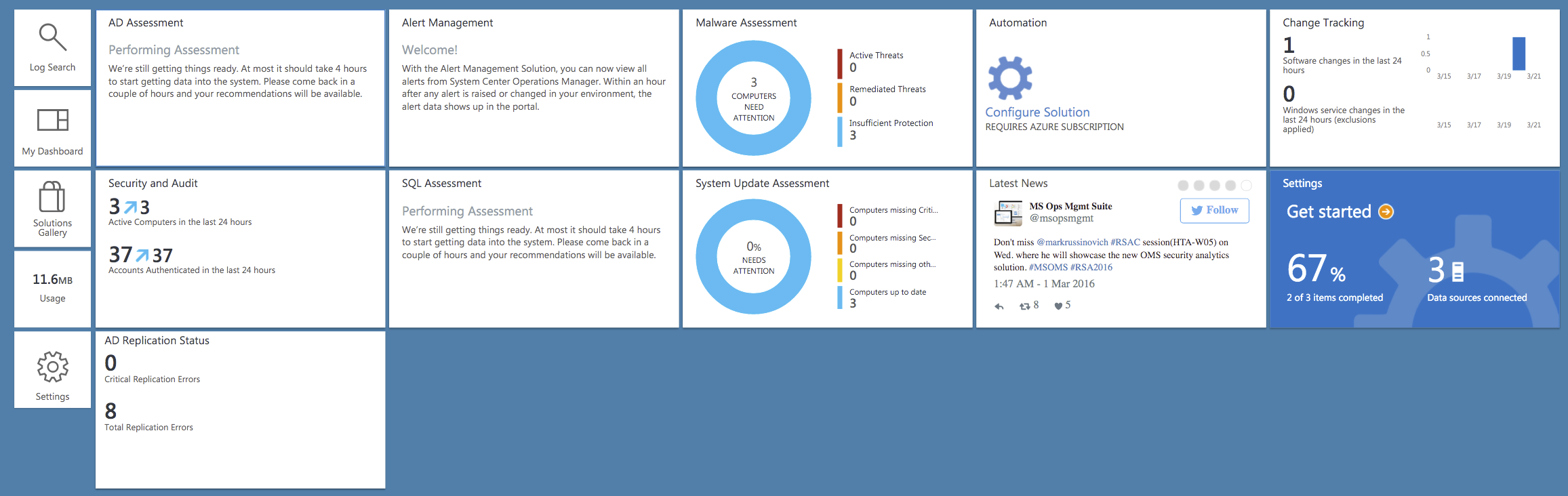
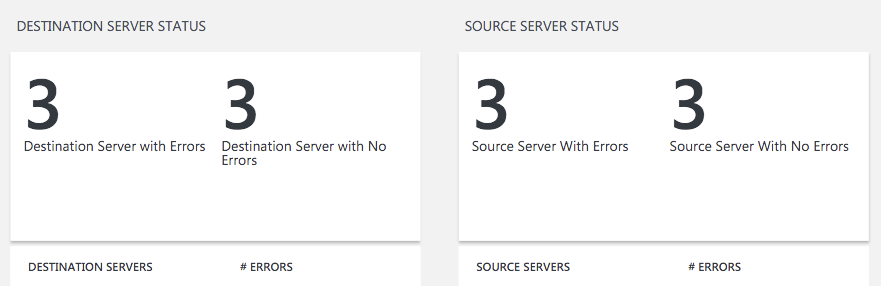
If you drilled into the AD replication view there, you could still get useful error details:
And some helpful charting as well:
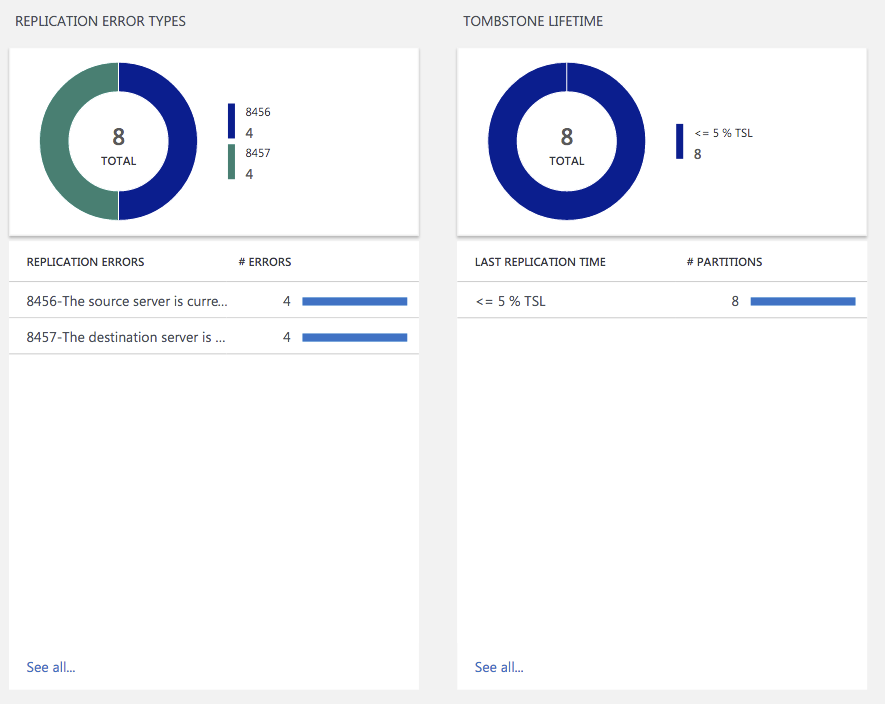
But the experience was different, and for many admins it felt heavier and less direct than the original tool.
Current note
Today, the safest way to read this post is as historical context about a retired GUI utility.
The useful lesson still stands, though: replication health should be checked proactively, not only after users start noticing breakage. Microsoft currently documents repadmin and dcdiag as core tools for diagnosing Active Directory replication failures, so if you are troubleshooting AD replication today, those are the supported places to start.