

blog
Office 365 – The following error occurred during validation in agent Archive ParameterSet Enforcement Agent
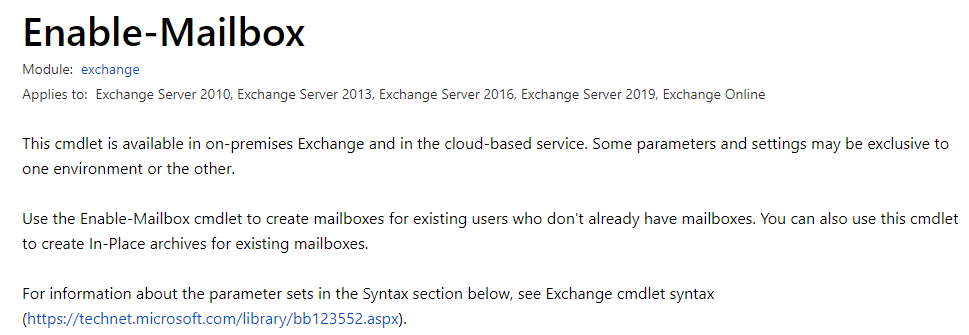
I created a batch of Azure AD users with PowerShell and then moved to the next obvious step: make them mail-enabled. On-premises habits kicked in, so Enable-Mailbox felt like the natural cmdlet to reach for.
That assumption was wrong for this scenario.
What I tried
The original command looked like this:
foreach ($User in $UsersNonExistantAzure) {
    Enable-Mailbox -Identity $User.MailNickName -WhatIf
}
And the result was this error:
WARNING: After you create a new mailbox, you must go to the Office 365 Admin Center and assign the mailbox a license, or it will be disabled after the grace period. The following error occurred during validation in agent 'Archive ParameterSet Enforcement Agent': 'This operation only works with Archive or PermanentlyDisable parameters.'

What was actually wrong
The real issue was not archiving at all. The problem was that these were cloud users in Office 365 / Exchange Online, and what they needed was an Exchange Online license, not an on-premises-style mailbox enablement step.
That is an easy trap if you work with both on-premises Exchange and Microsoft 365, because the cmdlet names make the workflows sound more similar than they really are.
Fix
For this case, the fix was simply to assign a license that includes Exchange Online:
Set-MsolUserLicense -UserPrincipalName $User.UserPrincipalName -AddLicenses "evotec:ENTERPRISEPACK"
After that, mailbox provisioning started behaving as expected:
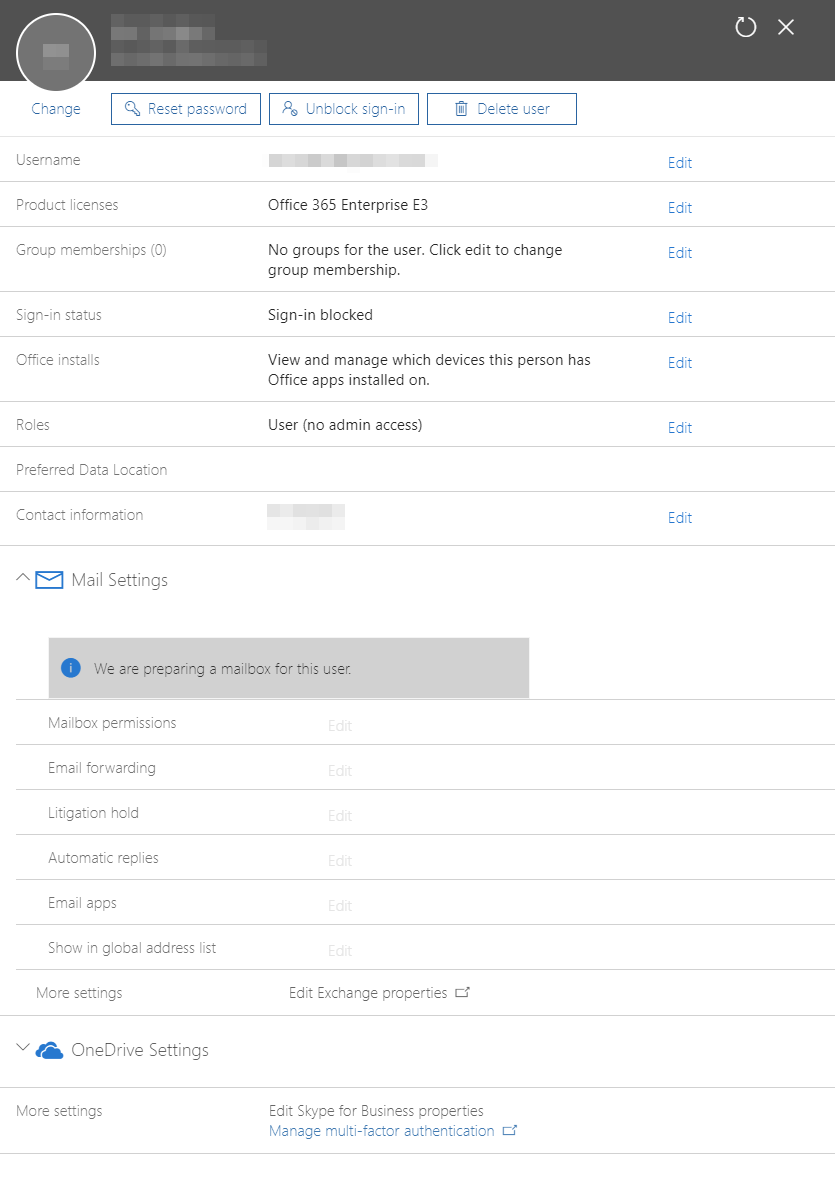
And the mailboxes began to appear in Exchange Online.
Practical takeaway
If the users are cloud-only and you are working in Exchange Online, think licensing first. Enable-Mailbox is the wrong mental model for most of those bulk provisioning cases.
Current note
The provisioning lesson in this post still holds. Microsoft documents that when you assign a user an Exchange Online license, the mailbox is created automatically.
The historical part is the tooling example: Set-MsolUserLicense comes from the old MSOnline module, and Microsoft has deprecated and retired the legacy MSOnline and AzureAD modules. So if you are automating this today, keep the workflow idea, but use current Microsoft 365 / Entra / Microsoft Graph-based tooling instead of building new scripts around MSOnline.