

Blog
Blog
Technische Artikel, Anleitungen und praktische Einblicke zu PowerShell, .NET, Active Directory und IT-Automatisierung.
Geben Sie eine Suchanfrage ein, um die gesamte Sektion Blog zu durchsuchen.

Office for Mac 2016 activation problem
Downloading Office for Mac 2016 from Office 365 subscription seems an easy task. Unfortunately it doesn’t always go as planned….

Exchange 2013 – Health Mailbox has been corrupted
Health checking your Exchange Environment is important task for any administrator. Specially for that there are special Health Mailboxes created…
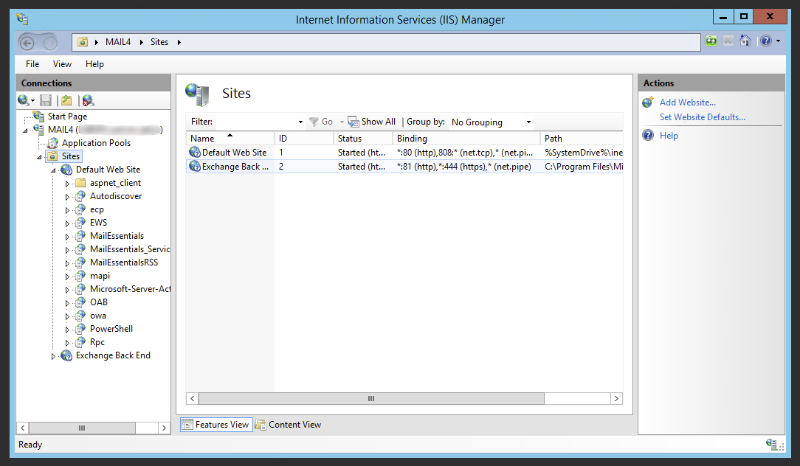
GFI MailEssentials 20 – How to count licenses for users?
Recently one of our Clients bought 750 licenses for GFI MailEssentials 20. As GFI on their websites claims that only…
Exchange 2013 – How to add Relay Connector from PowerShell
Adding new receiving connector is standard procedure available via GUI on Exchange 2010 / Exchange 2013 or Exchange 2016. However…

Get-AdPermission – The operation couldn’t be performed because object couldn’t be found
During our recent creation of Relay Receive Connector on Exchange 2013 we’ve encountered an error: The operation couldn’t be performed because object. Since time…
Powershell – Change DNS IP Addresses remotely
Use PowerShell to change DNS server addresses on remote Windows machines with a safer pattern that validates adapters and returns the final configuration.
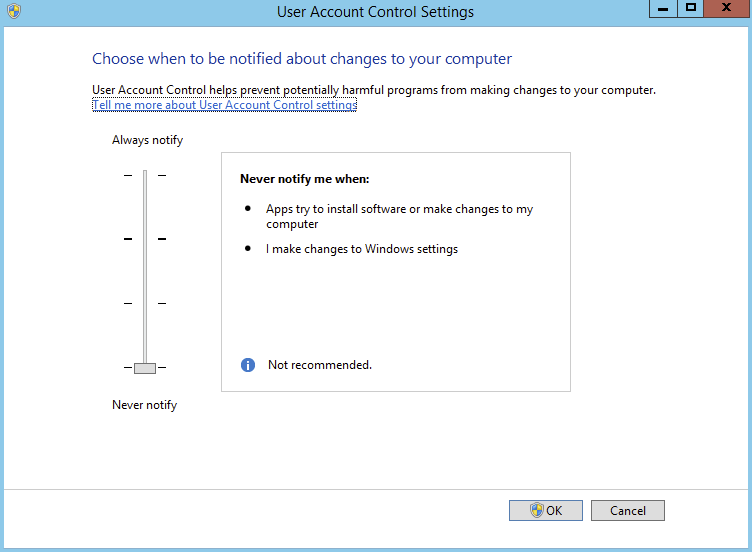
How to permanently disable UAC in Windows Server
Learn how to permanently disable User Account Control in Windows Server by updating the required registry settings and rebooting safely.

Microsoft Exchange – Set Address Book Policy to multiple users based on group membership
One of the common tasks of Exchange Administrator is to add Exchange Address Book Policy to a user. Depending on needs…
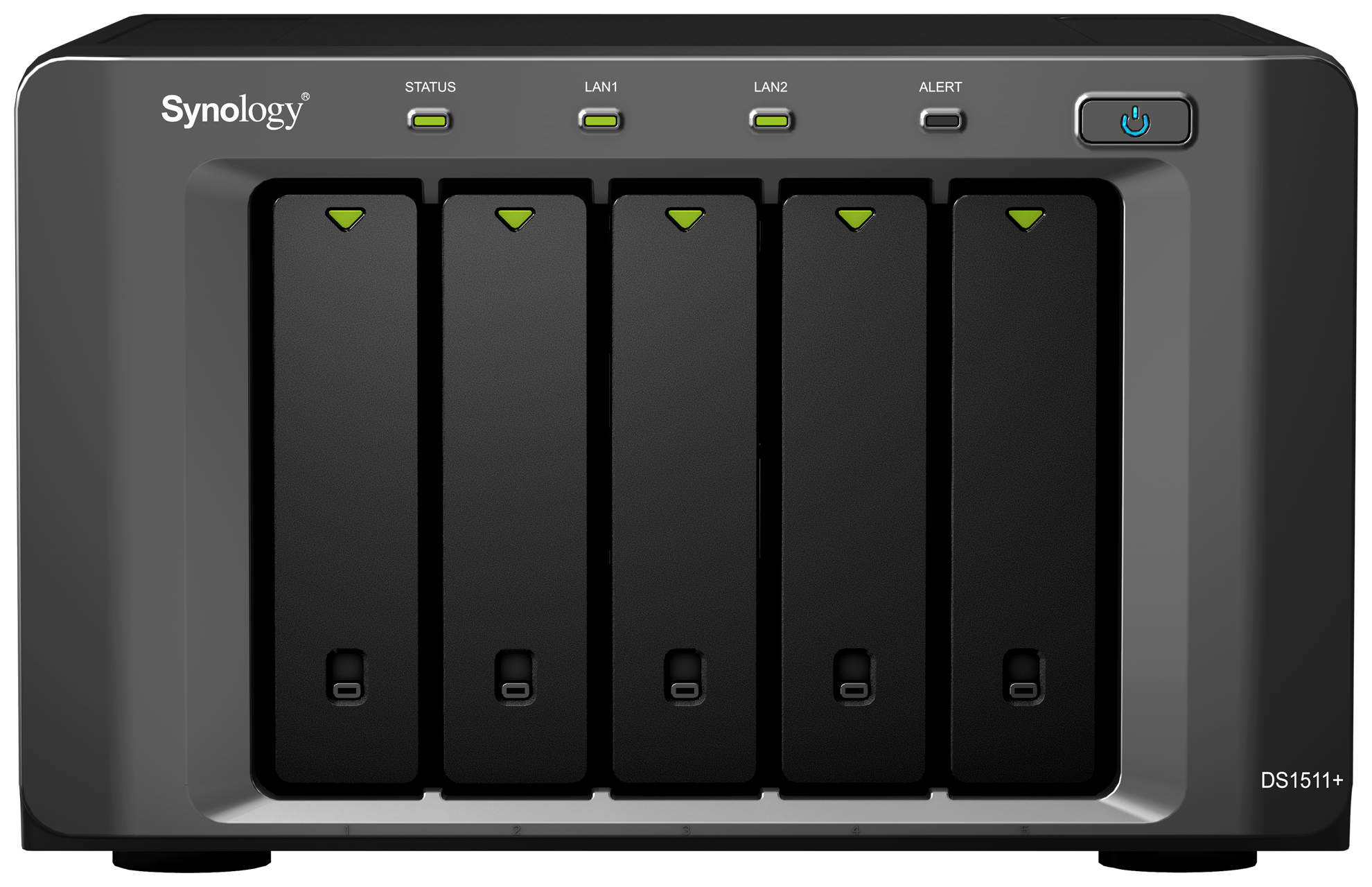
How to backup FTP to Synology Station
Having backups of your website or/and ftp server is an important part of administrator’s life. There are multiple ways to…
Exchange 2013 – Grant SendOnBehalf permission for Mailbox overwrites Existing permissions
When you change GrantSendOnBehalfTo in Exchange PowerShell, use add and remove operations instead of replacing the whole delegate list by accident.