

blog
PowerShell – Environment Path is missing or overwritten
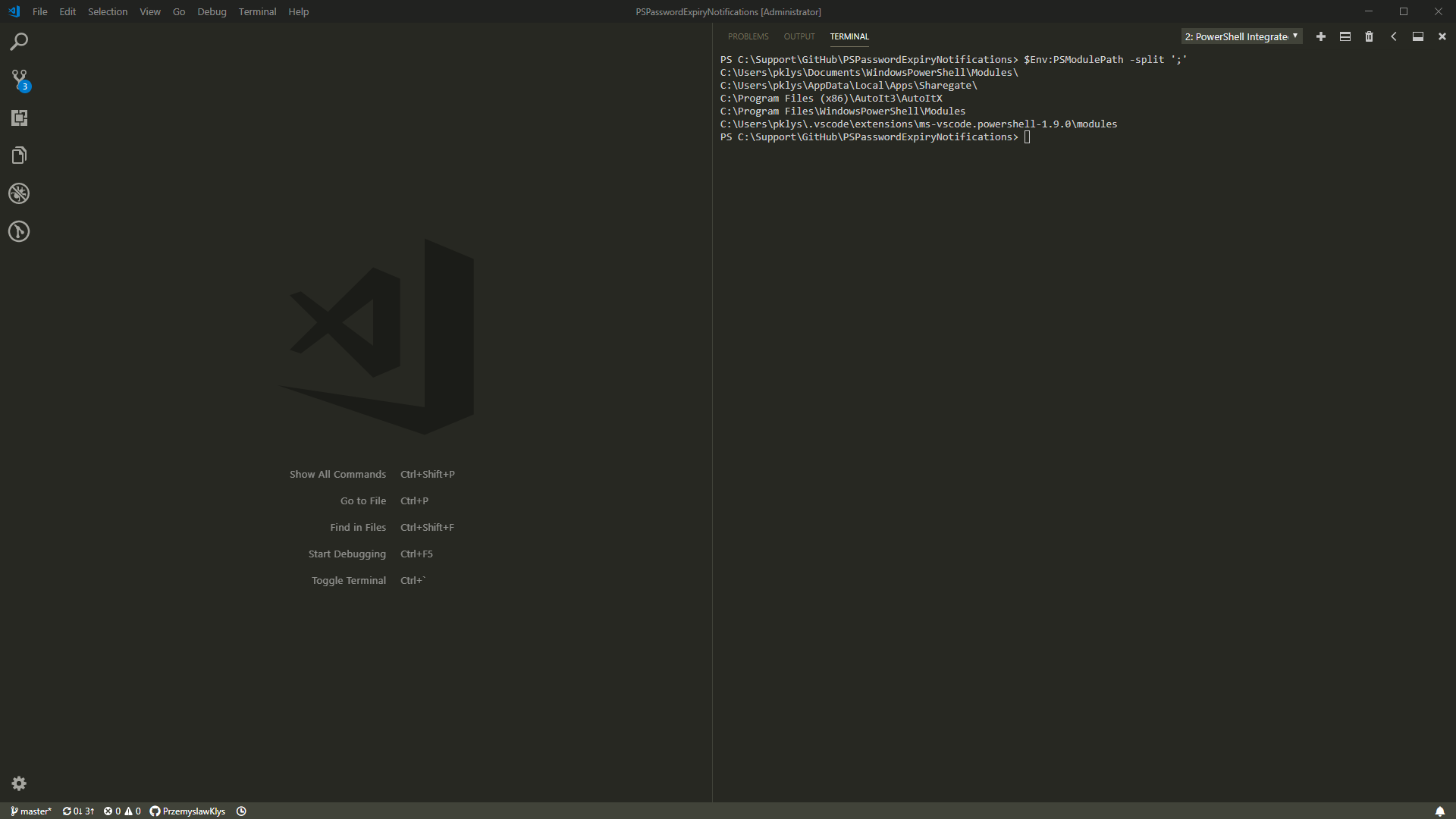
I ran into a strange development problem where PowerShell suddenly stopped finding modules that should have been available by default. The underlying issue turned out not to be the modules themselves, but the environment variable that tells PowerShell where to look for them:
$Env:PSModulePath
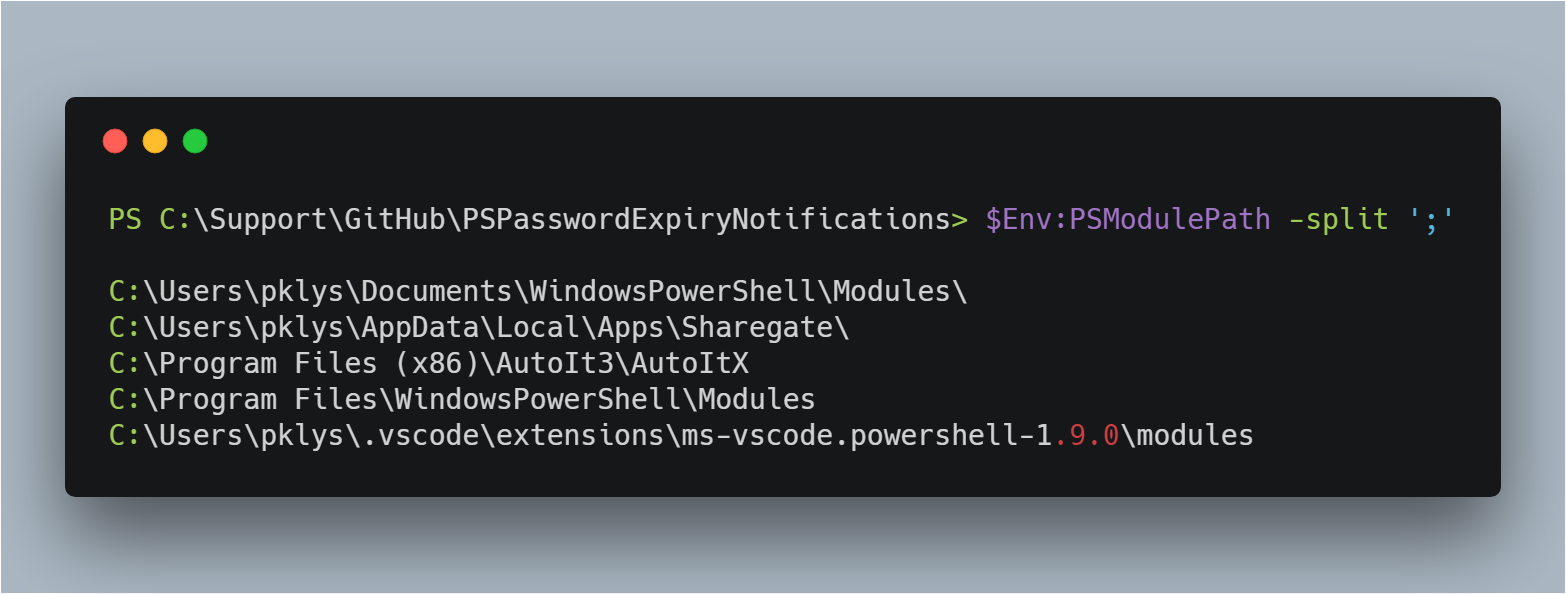
In my case, one of the expected default entries was missing:
C:\WINDOWS\system32\WindowsPowerShell\v1.0\Modules
Why this matters
PowerShell searches the directories listed in PSModulePath for modules. If one of the standard locations disappears, commands such as Import-Module or automatic module discovery can start failing in ways that feel random at first.
That is why this kind of issue is so annoying: the shell still opens, but pieces of your normal environment quietly stop working.
What caused it here
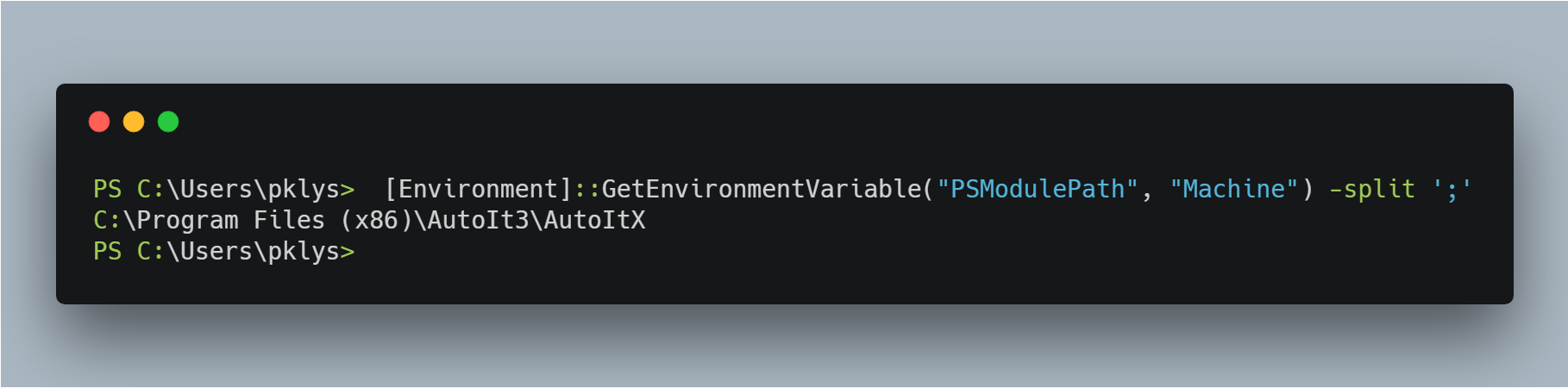
The only recent change on that machine was an AutoIt update, so the suspicion was that its installer overwrote the machine-level PSModulePath instead of appending to it.
The symptoms fit that theory:
- expected default paths were gone
- only the AutoIt path remained in the machine-level variable
Quick repair
The simplest recovery is to read the current value, append the missing path, and write it back:
$MissingModule = "C:\WINDOWS\system32\WindowsPowerShell\v1.0\Modules"

# Display current value
$CurrentValue = [Environment]::GetEnvironmentVariable("PSModulePath", "Machine")
$CurrentValue

# Fix
[Environment]::SetEnvironmentVariable("PSModulePath", $CurrentValue + ";$MissingModule", "Machine")

# Display updated value
$UpdatedValue = [Environment]::GetEnvironmentVariable("PSModulePath", "Machine")
$UpdatedValue
If more than one default path is missing, repeat the process for the others you need restored.
Then split the value to verify what PowerShell will actually see:
$UpdatedValue = [Environment]::GetEnvironmentVariable("PSModulePath", "Machine")
$UpdatedValue -split ';'
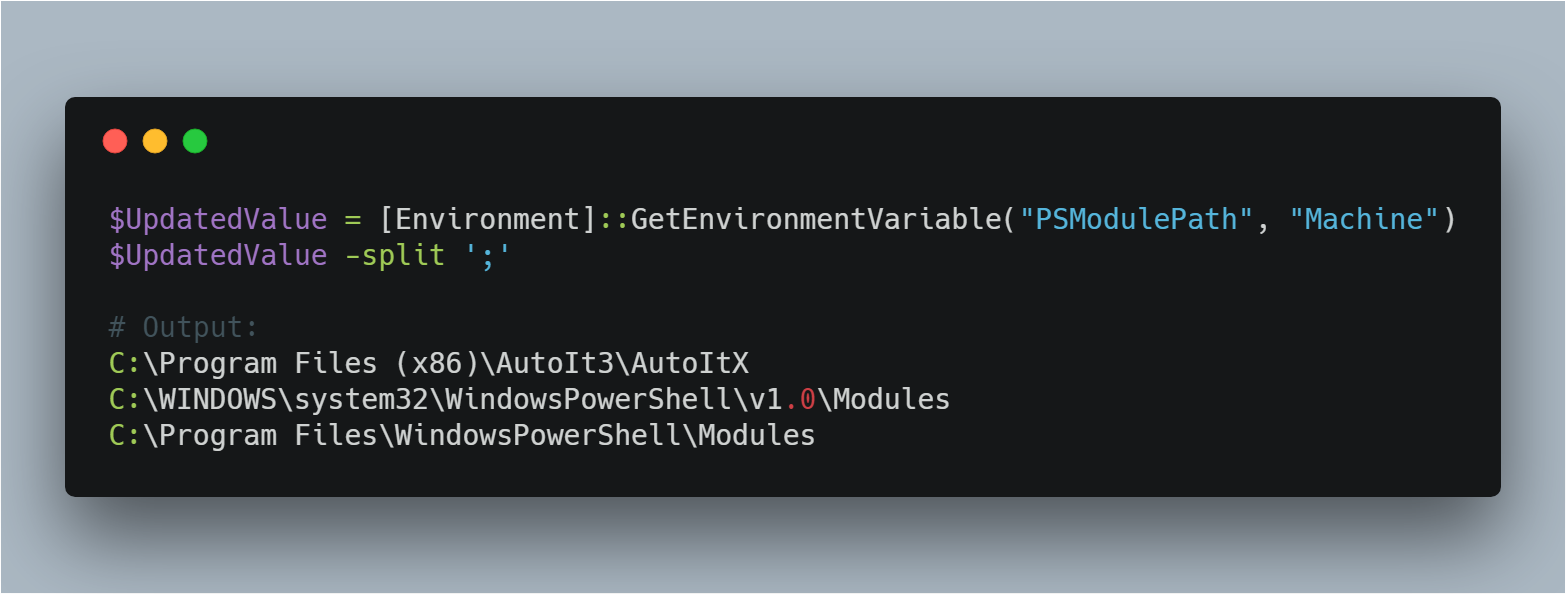
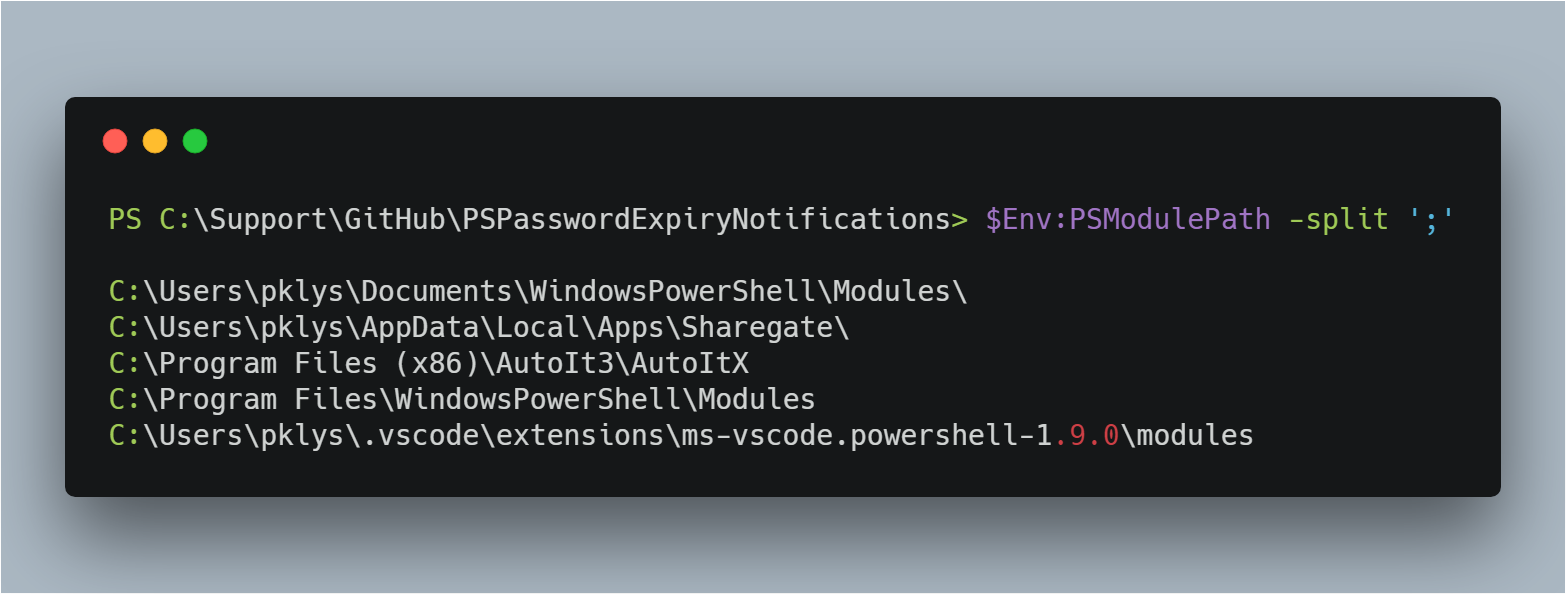
After reopening PowerShell, module discovery should return to normal:
Better long-term lesson
The key takeaway is not just how to repair the variable once. It is that installers should append module paths, not replace the existing value.
If a product installer writes its own path as the full machine value, it can quietly break unrelated PowerShell workflows across the server or workstation.
Current note
Microsoft still documents PSModulePath as the environment variable PowerShell uses to find module folders, and they also document that the default paths differ between Windows PowerShell 5.1 and PowerShell 7.
So if you troubleshoot this today, verify three things before restoring values blindly:
- which PowerShell version you care about
- whether the missing path belongs to CurrentUser, AllUsers, or
$PSHOME - whether you are repairing the machine or user value
That makes the fix cleaner and avoids restoring the wrong defaults for the wrong shell.