

blog
Microsoft Graph – InvalidAuthenticationToken – Access token validation failure. Invalid audience
Today I had a need to connect to Microsoft Graph and do some tasks on Office 365. Since I have already done similar stuff for my PSwinDocumentation.O365HealthService PowerShell module that I've described in **PowerShell to get all information about Office 365 Service Health, **I thought this will be easy run as I'll just reuse the code I've done for that module. As always for Graph related tasks you need to register your application and assign correct permissions. I've used my own article for that with changes to which API I want to access. Now that I've done all that I've extracted my Connect-O365Graph function from my module and started connecting.
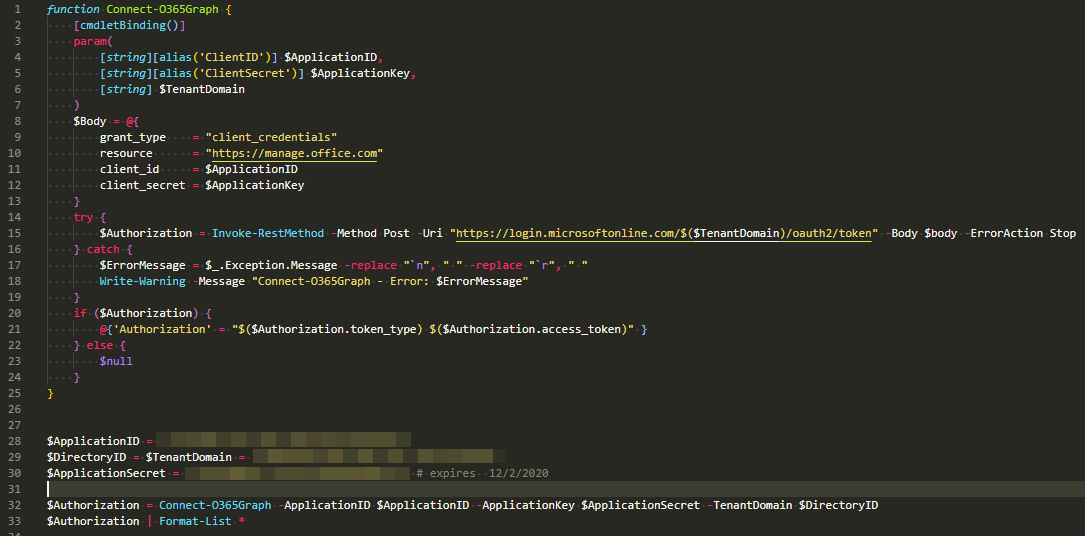
function Connect-O365Graph {
    [cmdletBinding()]
    param(
        [string][alias('ClientID')] $ApplicationID,
        [string][alias('ClientSecret')] $ApplicationKey,
        [string] $TenantDomain
    )
    $Body = @{
        grant_type    = "client_credentials"
        resource      = "https://manage.office.com"
        client_id     = $ApplicationID
        client_secret = $ApplicationKey
    }
    try {
        $Authorization = Invoke-RestMethod -Method Post -Uri "https://login.microsoftonline.com/$($TenantDomain)/oauth2/token" -Body $body -ErrorAction Stop
    } catch {
        $ErrorMessage = $_.Exception.Message -replace "`n", " " -replace "`r", " "
        Write-Warning -Message "Connect-O365Graph - Error: $ErrorMessage"
    }
    if ($Authorization) {
        @{'Authorization' = "$($Authorization.token_type) $($Authorization.access_token)" }
    } else {
        $null
    }
}


$ApplicationID = '3f53f084'
$DirectoryID = $TenantDomain = 'e486b948'
$ApplicationSecret = '3=bA' # expires  12/2/2020

$Authorization = Connect-O365Graph -ApplicationID $ApplicationID -ApplicationKey $ApplicationSecret -TenantDomain $DirectoryID
$Authorization | Format-List *
The code worked, as always (!), without a problem. I got my usual Authorization Token from that command.

Now we just need to execute some simple Graph query and we're good to go.
$RestSplat = @{
    Uri         = 'https://graph.microsoft.com/v1.0/Groups/'
    Headers     = $Authorization
    Method      = 'GET'
    ContentType = "application/json"
}

Invoke-RestMethod @RestSplat
But to my surprise this just wasn't working.
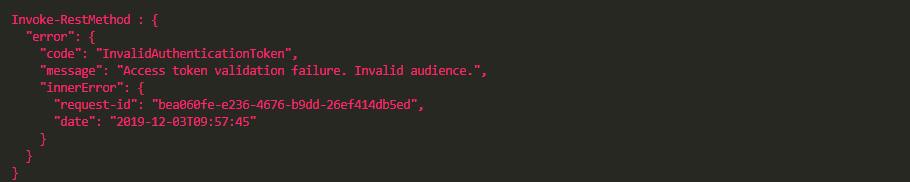
Invoke-RestMethod : {
  "error": {
    "code": "InvalidAuthenticationToken",
    "message": "Access token validation failure. Invalid audience.",
    "innerError": {
      "request-id": "8f9235b6-4054-4400",
      "date": "2019-12-03T10:22:23"
    }
  }
}
After testing that my authorization token works as designed I finally was able to find where I've made mistake.
💡 InvalidAuthenticationToken – Access token validation failure. Invalid audience.
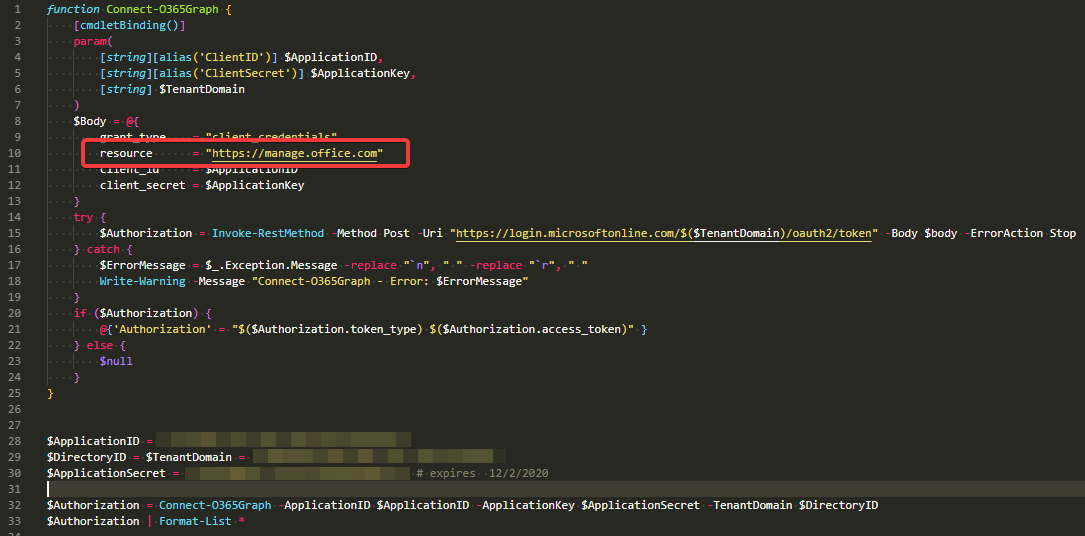
My fault was that I was assuming it's all using same resource to connect and I was simply using **https://manage.office.com**. But in fact I should have been using **https://graph.microsoft.com **for those queries.
function Connect-O365Graph {
    [cmdletBinding()]
    param(
        [string][alias('ClientID')] $ApplicationID,
        [string][alias('ClientSecret')] $ApplicationKey,
        [string] $TenantDomain,
        [ValidateSet("https://manage.office.com", "https://graph.microsoft.com")] $Resource = "https://manage.office.com"
    )
    $Body = @{
        grant_type    = "client_credentials"
        resource      = $Resource
        client_id     = $ApplicationID
        client_secret = $ApplicationKey
    }
    try {
        $Authorization = Invoke-RestMethod -Method Post -Uri "https://login.microsoftonline.com/$($TenantDomain)/oauth2/token" -Body $body -ErrorAction Stop
    } catch {
        $ErrorMessage = $_.Exception.Message -replace "`n", " " -replace "`r", " "
        Write-Warning -Message "Connect-O365Graph - Error: $ErrorMessage"
    }
    if ($Authorization) {
        @{'Authorization' = "$($Authorization.token_type) $($Authorization.access_token)" }
    } else {
        $null
    }
}
$Authorization = Connect-O365Graph -ApplicationID $ApplicationID -ApplicationKey $ApplicationSecret -TenantDomain $DirectoryID -Resource https://graph.microsoft.com
$Authorization | Format-List *
In this case, I've changed my PowerShell function to accept different resource URLs. After providing proper Resource URI everything started to work! This is something to remember when playing with Graph, that there may be different Resource EndPoints that we need to use.