Soporte
Obtén ayuda, informa de un problema o consulta la política de soporte.
Abrir Soporte

 Identity & security
MFA codes and recovery details in one encrypted Windows vault.
A Windows-first authenticator for TOTP, HOTP, encrypted backup codes, and QR-based account setup, backed by a cross-platform .NET library.
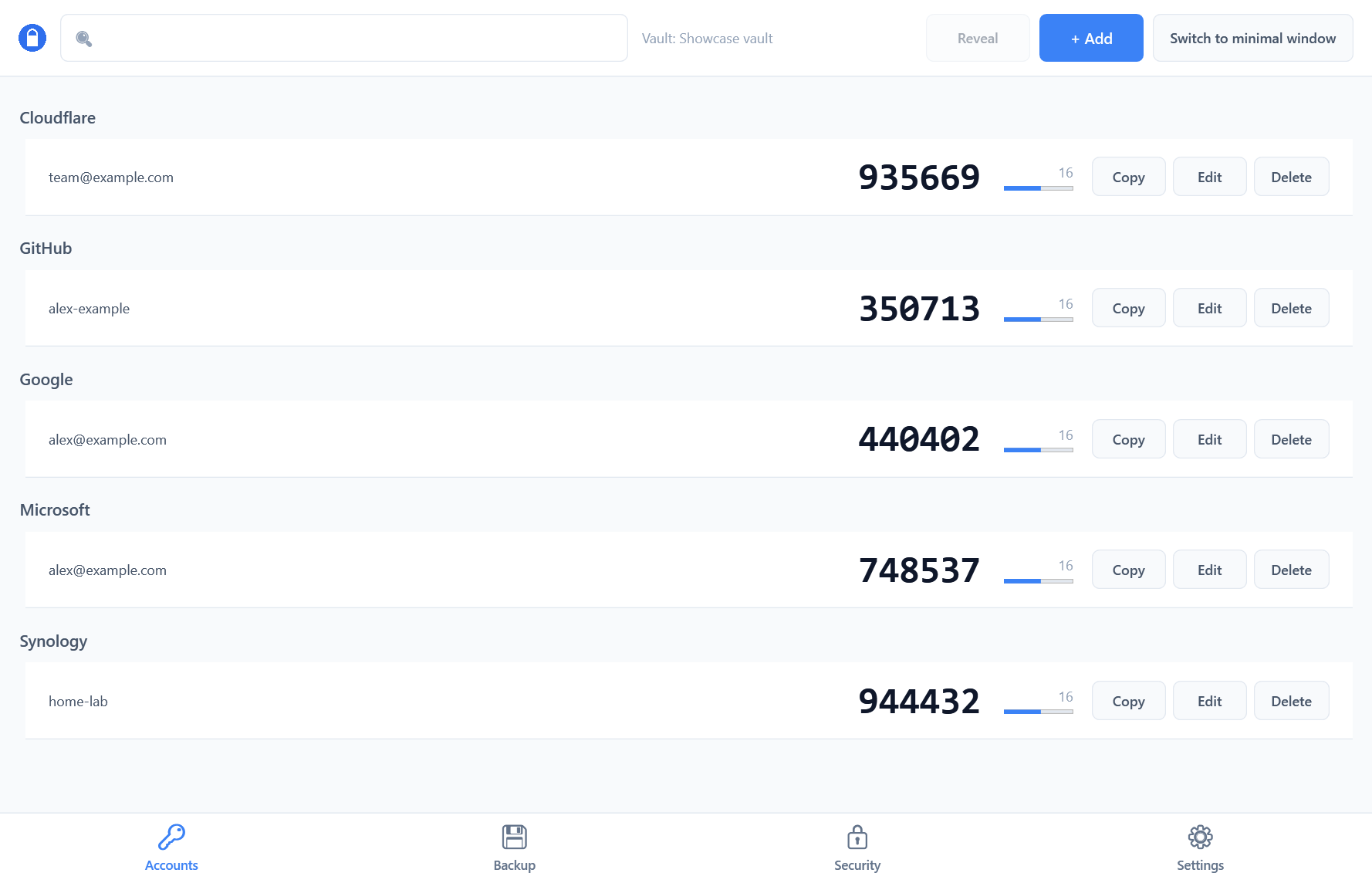 Current codes, timing, and quick actions. Sample accounts shown.
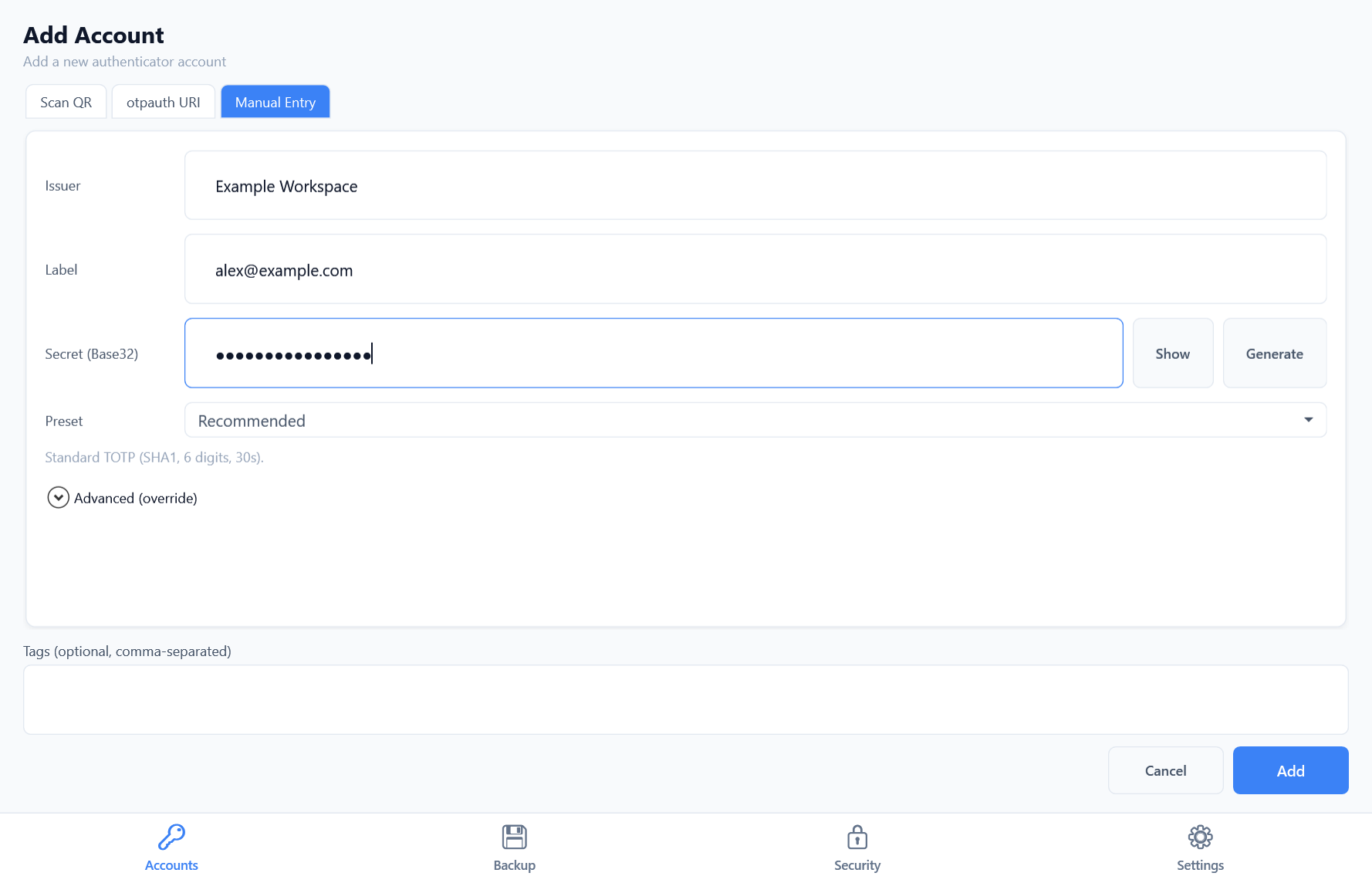
Scan an on-screen QR code, paste an otpauth URI, or enter an account manually. Choose a standard TOTP preset or configure advanced options.
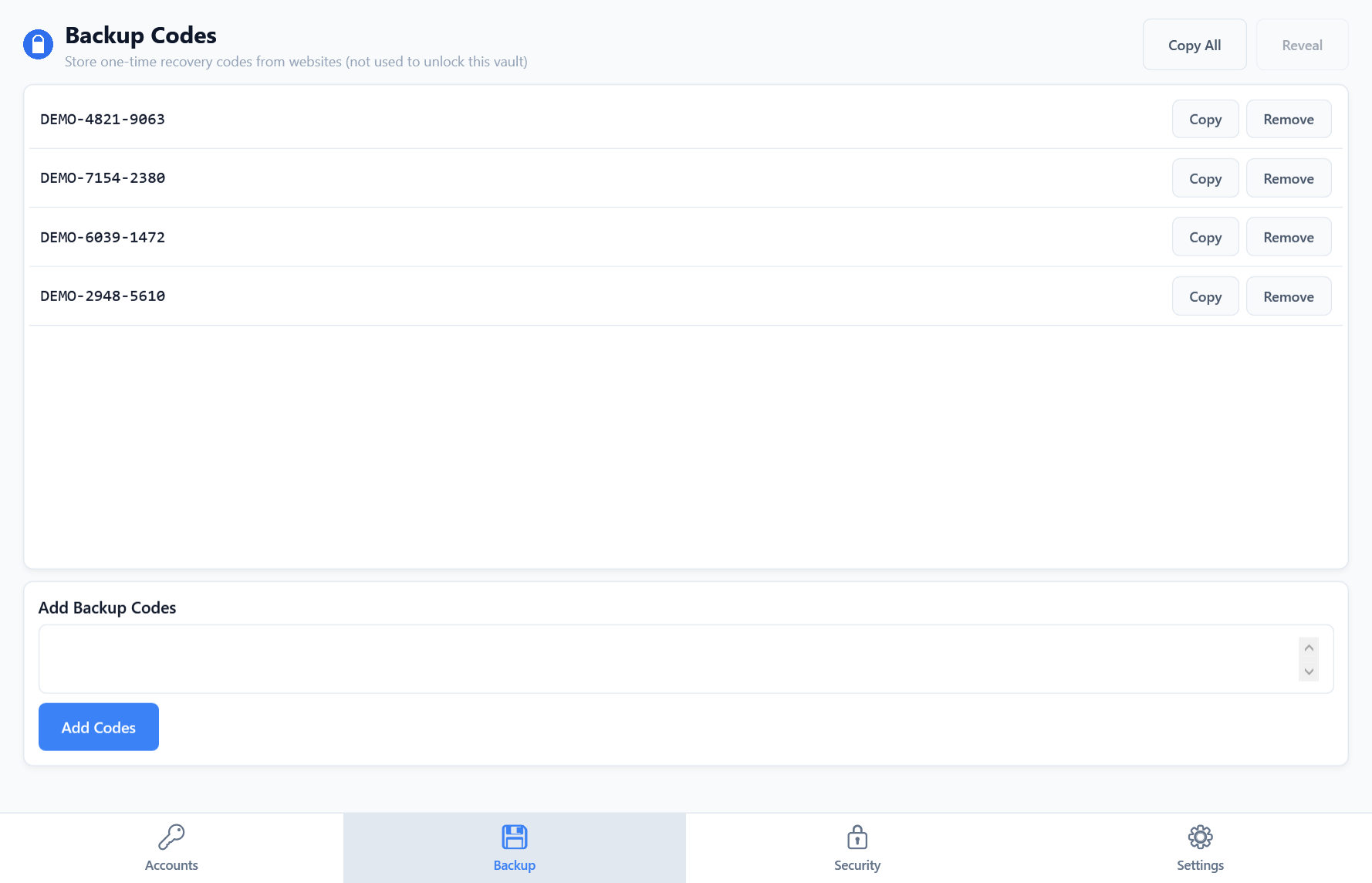
Store one-time recovery codes in your encrypted vault. Copy a code when needed and remove it after use.
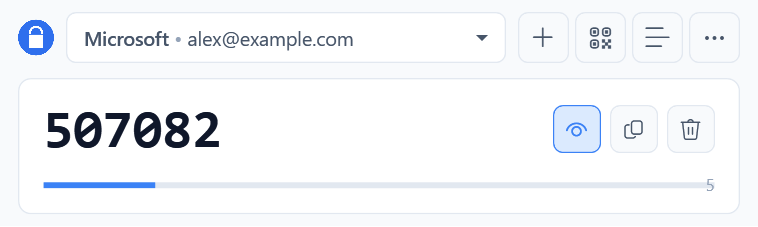
Select an account, reveal its current code, and copy it without opening the full account list.
Obtén ayuda, informa de un problema o consulta la política de soporte.
Abrir SoporteAuthIMO guarda secretos de autenticación y códigos de respaldo en una bóveda cifrada en tu dispositivo. El funcionamiento principal no requiere una cuenta alojada por Evotec.