Support
Obtenez de l’aide, signalez un problème ou consultez la politique de support.
Ouvrir Support

 Identity & security
MFA codes and recovery details in one encrypted Windows vault.
A Windows-first authenticator for TOTP, HOTP, encrypted backup codes, and QR-based account setup, backed by a cross-platform .NET library.
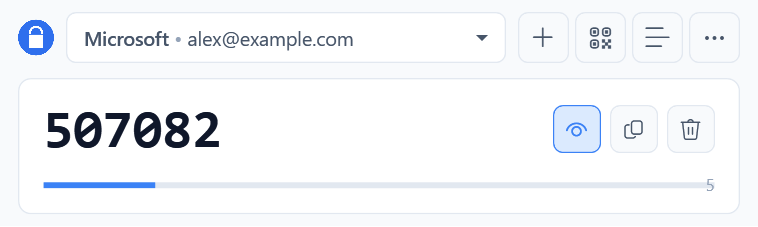
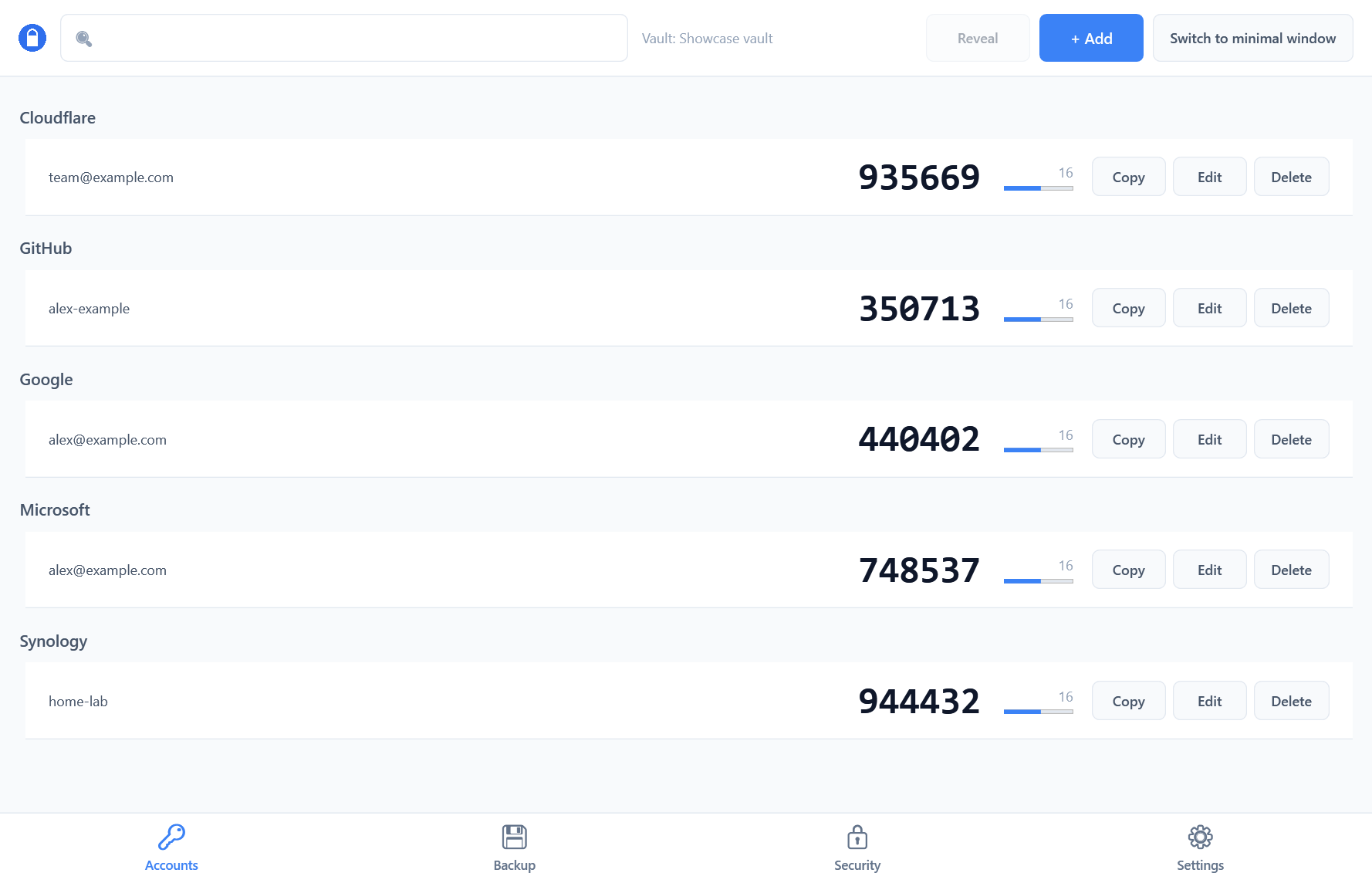 Current codes, timing, and quick actions. Sample accounts shown.
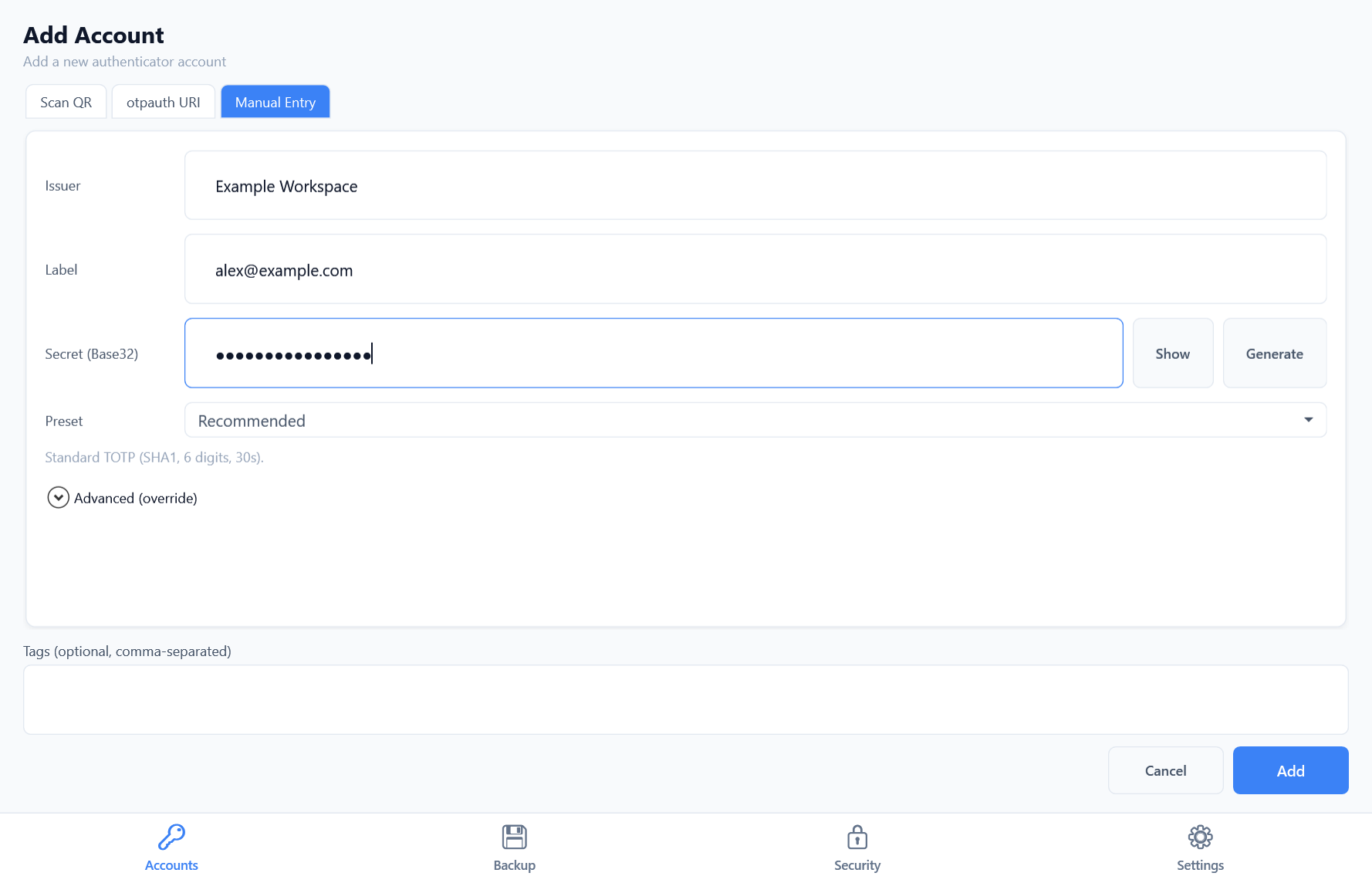
Scan an on-screen QR code, paste an otpauth URI, or enter an account manually. Choose a standard TOTP preset or configure advanced options.
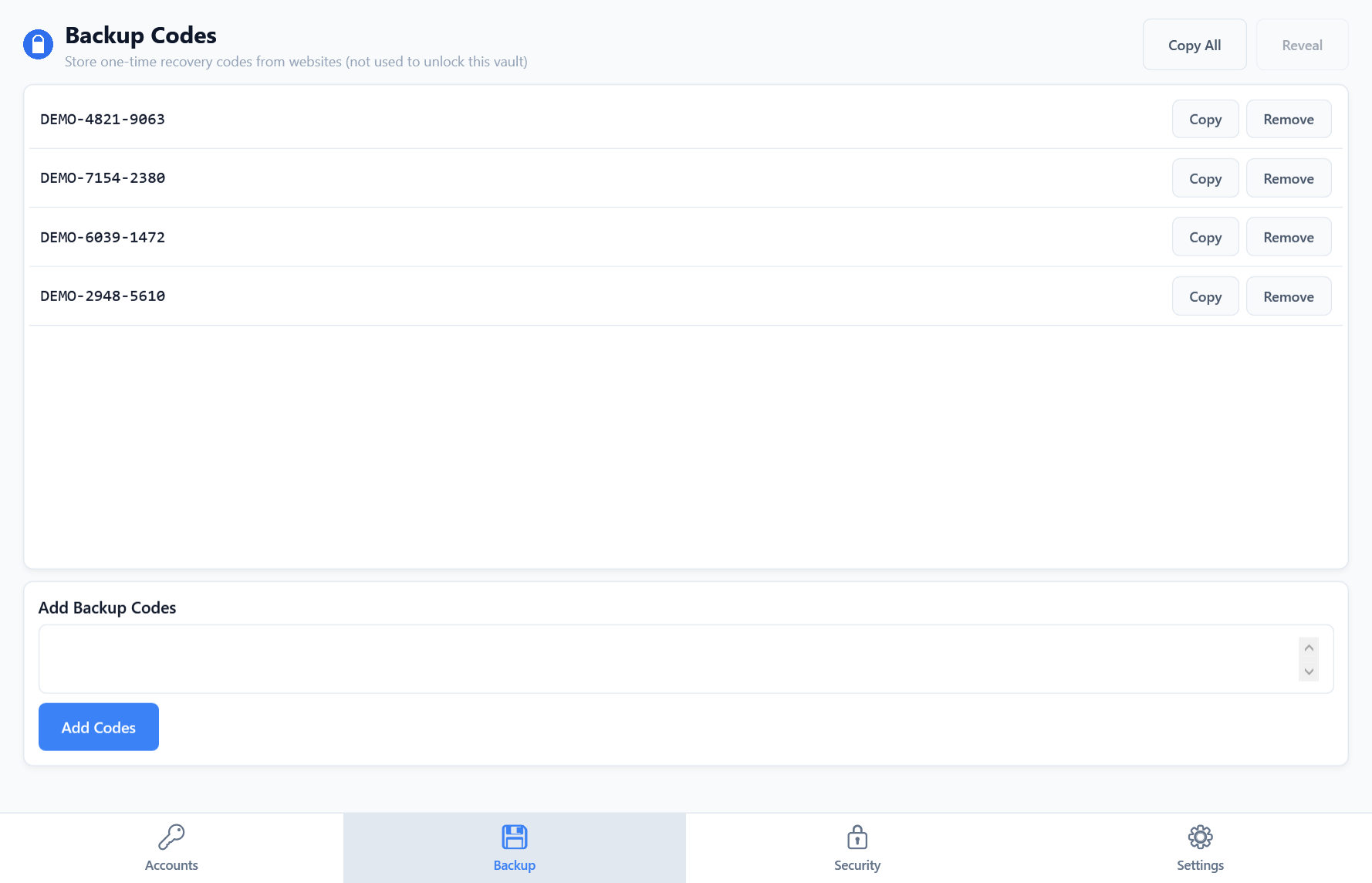
Store one-time recovery codes in your encrypted vault. Copy a code when needed and remove it after use.
Select an account, reveal its current code, and copy it without opening the full account list.
Obtenez de l’aide, signalez un problème ou consultez la politique de support.
Ouvrir SupportAuthIMO conserve les secrets d’authentification et les codes de secours dans un coffre chiffré sur votre appareil. Le fonctionnement principal ne nécessite pas de compte hébergé par Evotec.