blog
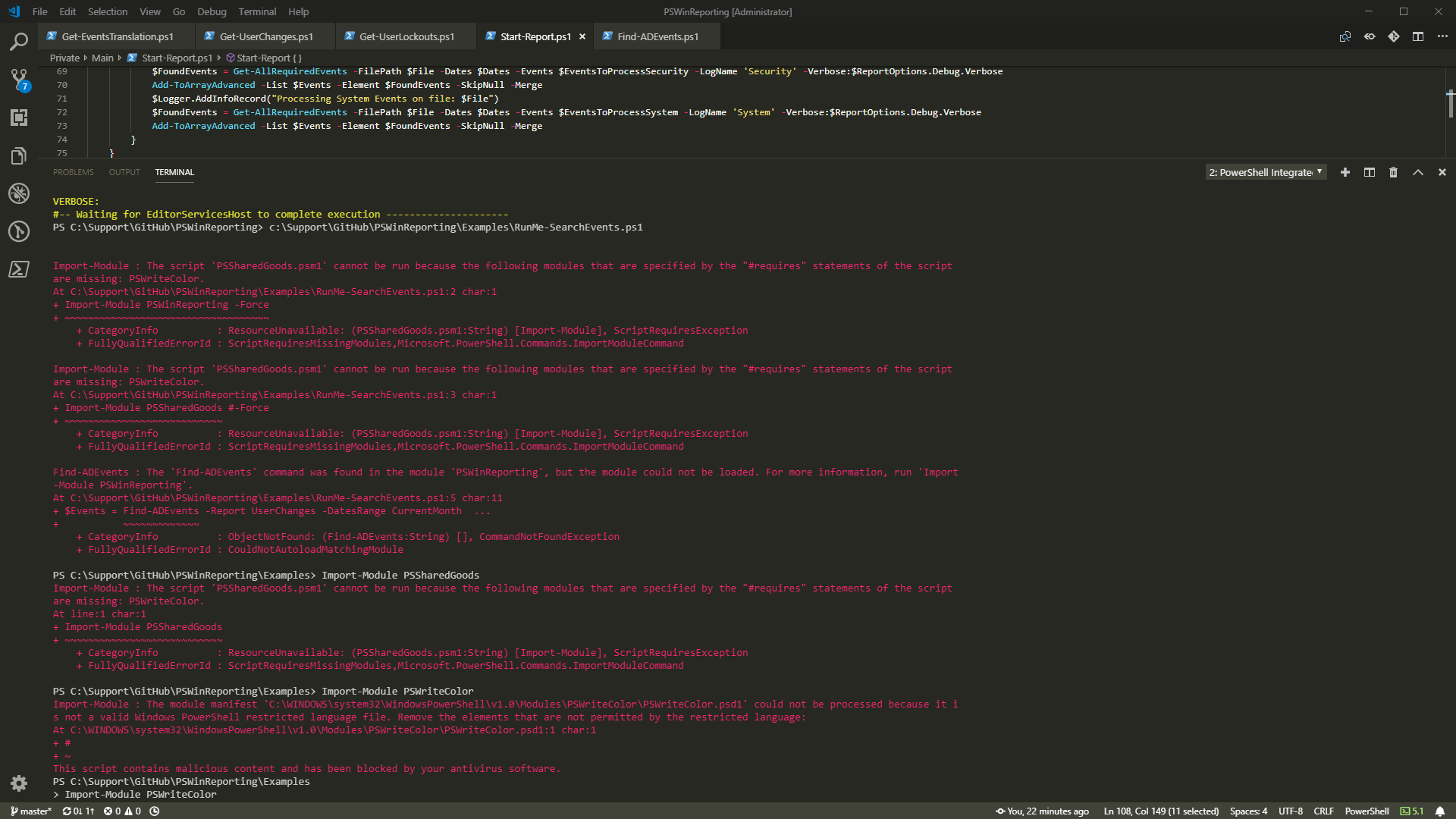
Import-Module: This script contains malicious content and has been blocked by your antivirus software.
I've been working today on a little project when suddenly my modules stopped working. It was weird because I have not touched anything that could cause it.
Import-Module : The script ‘PSSharedGoods.psm1' cannot be run because the following modules that are specified by the “#requires” statements of the script are missing: PSWriteColor. At C:\Support\GitHub\PSWinReporting\Examples\RunMe-SearchEvents.ps1:2 char:1
- Import-Module PSWinReporting -Force
- ~~~~~~~~~~~~~~~~~~~~~~~~~~~~~~~~~~~
- CategoryInfo : ResourceUnavailable: (PSSharedGoods.psm1:String) [Import-Module], ScriptRequiresException
- FullyQualifiedErrorId : ScriptRequiresMissingModules,Microsoft.PowerShell.Commands.ImportModuleCommand
A message was a bit cryptic mentioning that my PSWriteColor module is required but not available. I've decided to try and load PSWriteColor manually using Import-Module command.
Import-Module PSWriteColor
That's where I got this little message at the bottom that made me wonder what I've done with my precious module that it is now a virus.
Import-Module : The module manifest ‘C:\WINDOWS\system32\WindowsPowerShell\v1.0\Modules\PSWriteColor\PSWriteColor.psd1' could not be processed because it i s not a valid Windows PowerShell restricted language file. Remove the elements that are not permitted by the restricted language: At C:\WINDOWS\system32\WindowsPowerShell\v1.0\Modules\PSWriteColor\PSWriteColor.psd1:1 char:1
- #
- ~ This script contains malicious content and has been blocked by your antivirus software. At line:1 char:1
- Import-Module PSWriteColor
- ~~~~~~~~~~~~~~~~~~~~~~~~~~
- CategoryInfo : ResourceUnavailable: (C:\WINDOWS\syst…WriteColor.psd1:String) [Import-Module], MissingMemberException
- FullyQualifiedErrorId : Modules_InvalidManifest,Microsoft.PowerShell.Commands.ImportModuleCommand
💡 How do I fix it?
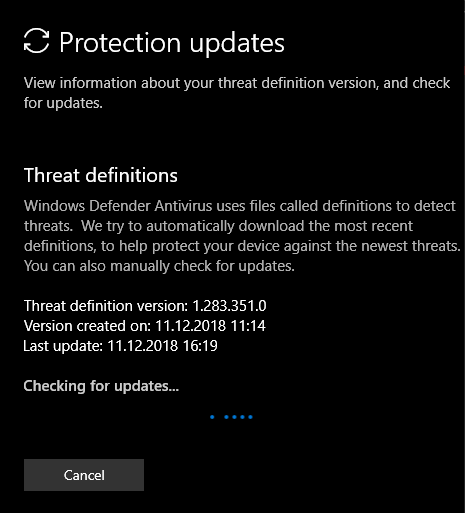
As I don't use any antivirus software other than the built-in Windows Defender I assumed that it must have updated its definitions at some point today and none of my PowerShell modules will be working correctly. A quick check into definitions, confirms that the update has kicked in around 11:14 but a day before and I've already worked with that module during that time.
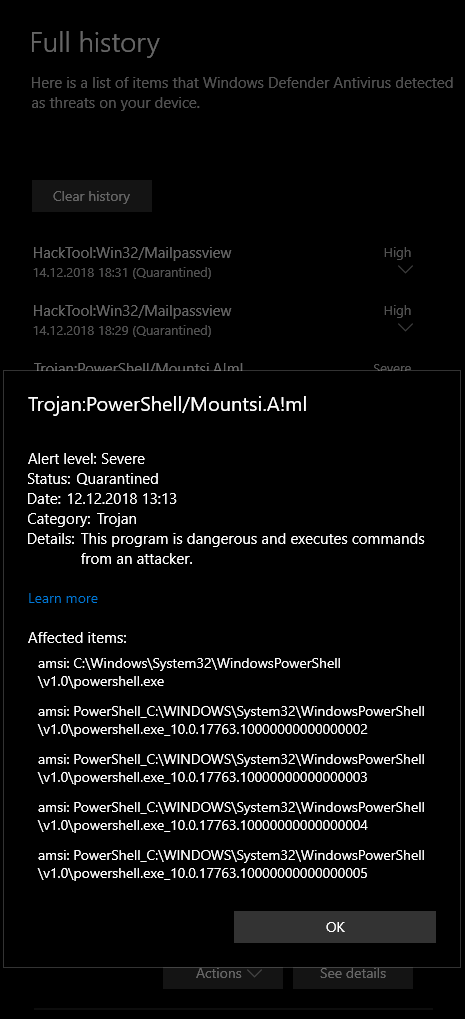
If we check what Windows Defender has been doing behind scenes we will find out that **AMSI (Anti-Malware Scan Interface) **was responsible for making my module rogue.
I've decided that updating virus definitions again should solve this, eventually I was prepared to totally disable Windows Defender for the time being.
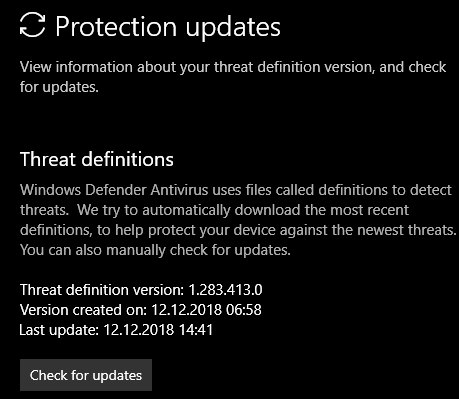
Fortunately, new virus definition kicked in after few seconds everything is now working correctly. Must have been some weird hiccup on Windows Defender part. It didn't require restart of PowerShell session either.
