

blog
Bittitan MigrationWiz – The selected Mailboxes cannot be subscribed
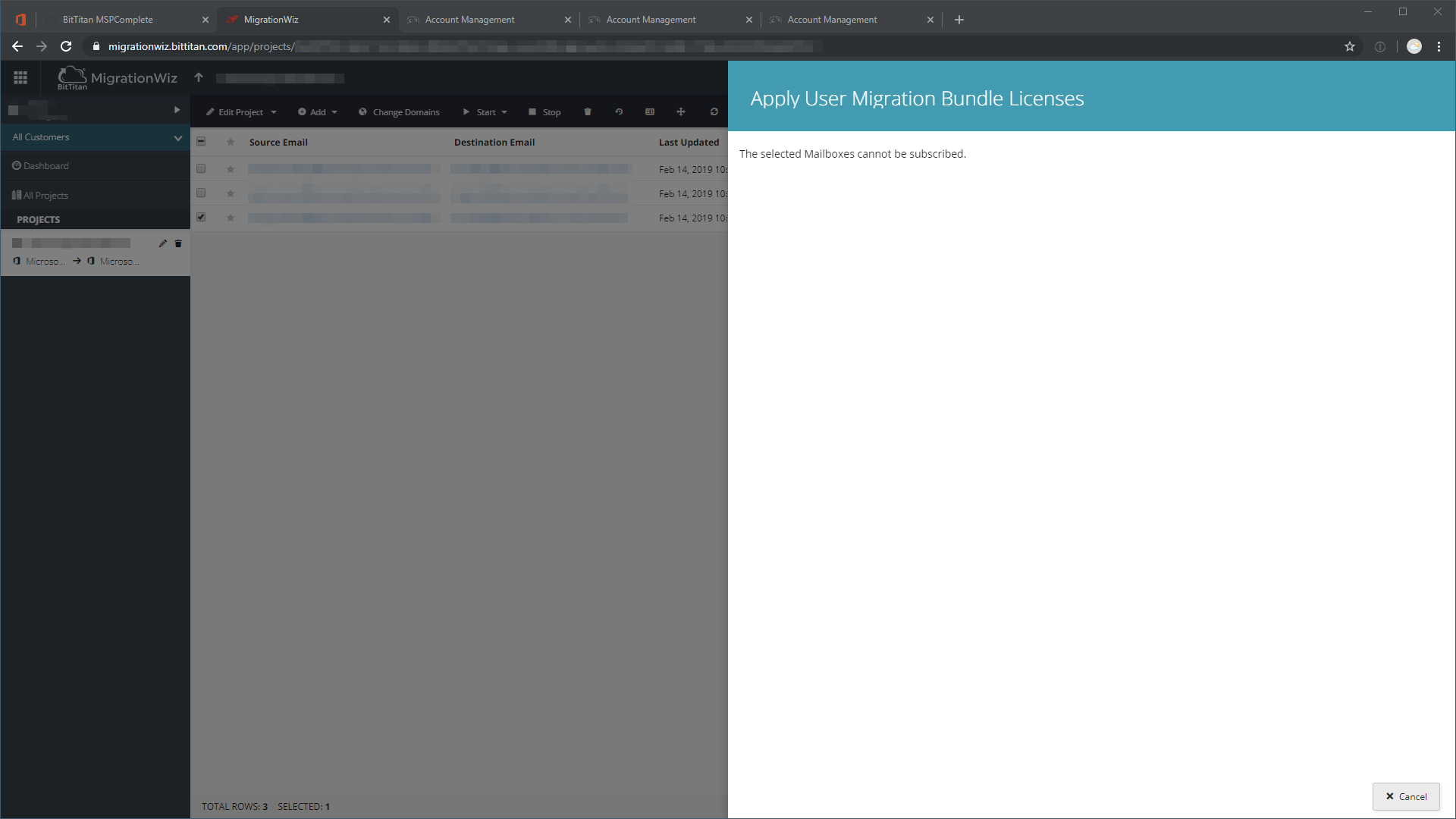
During a tenant-to-tenant Office 365 migration with BitTitan MigrationWiz, I ran into an odd licensing problem while trying to assign a User Migration Bundle. The mailbox itself looked fine, but MigrationWiz refused to subscribe the selected item.
The frustrating part was that nothing looked unusual. The users were added the same way as in previous projects, yet this one kept failing.
What helped in my case
When you add users in MigrationWiz, licensing and item state are tied to the broader MSPComplete side of the BitTitan platform. In my case, the most reliable fix was:
- delete the affected user from the MigrationWiz project
- add the user again from the MSPComplete side
- then bring that item back into MigrationWiz
Adding the user back directly from MigrationWiz kept failing for me, while adding from MSPComplete resolved it.
Why this makes sense
BitTitan's own documentation still treats MSPComplete and MigrationWiz as connected layers of the same workflow:
- users can be added and managed in MSPComplete
- MigrationWiz can add items from MSPComplete
- license and subscription state flows through that broader platform context
So when a mailbox "cannot be subscribed", the issue may be with the item record or subscription sync, not with Exchange itself.
Practical troubleshooting order
If you hit this error, I would try these steps in order:
- Confirm the user object really exists only once and is not partially duplicated.
- Remove the affected user from the project.
- Re-add the user through MSPComplete rather than recreating it directly in MigrationWiz.
- Re-import or reattach the item in MigrationWiz.
This is one of those migration issues where the mailbox message points you in the wrong direction. The fix is often not inside Exchange at all.