blog
Office for Mac 2016 activation problem
Downloading Office for Mac 2016 from Office 365 subscription seems an easy task. Unfortunately it doesn't always go as planned. It seems to be able to use it with corporate resources it needs to activated. While the activation of products that are bought directly at Microsoft with your standard account is trivial, with Office for Mac thru Office 365 corporate subscription requires additional setup on on-premise infrastructure including ADFS servers. As this wasn't our task and we simply got a license of brand new Office for Mac to play with, we didn't expect to have any problems with it. At least not on the activation process…
❗ Problem Description
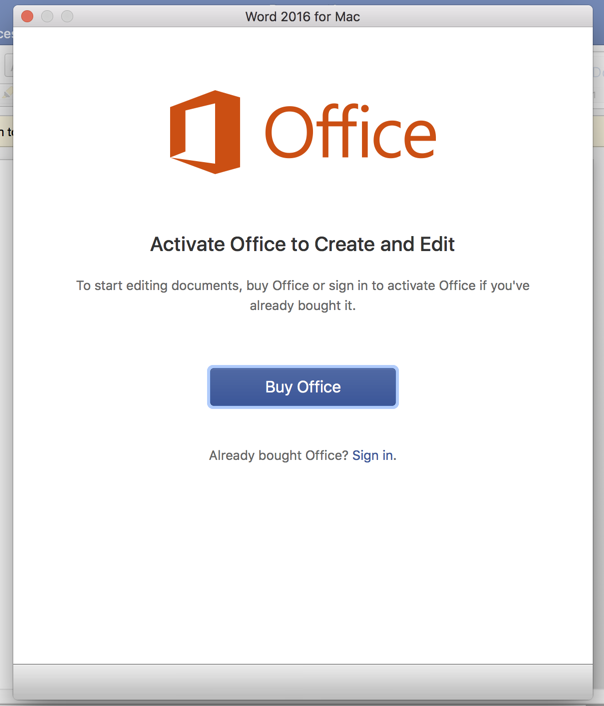
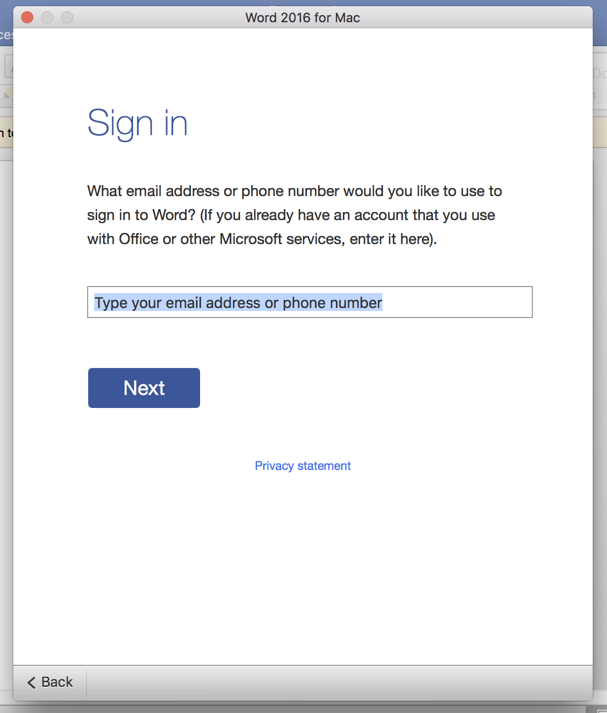
After installation of Office 365 with corporate credentials, we've started Word 2016 and got a nice screen asking for activation of Office for Mac. Since we already have product bought as corporate client we choose **Sign in **and follow to next screen.
Unfortunately for us just after going thru entering our corporate email address the error shows up.
Similar errors as the one below have been described on other blogs but none was able to solve our issue.
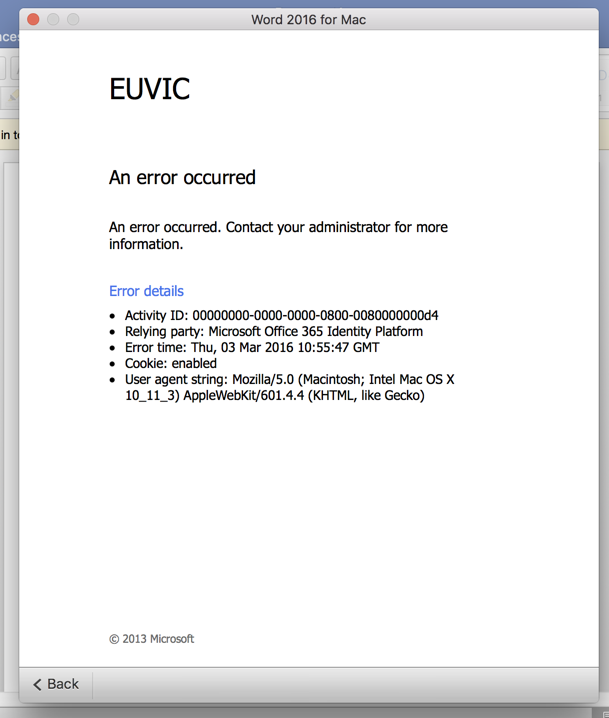
Full error message:
An error occurred An error occurred. Contact your administrator for more information. Error details
- Activity ID: 00000000-0000-0000-0800-0080000000d4
- Relying party: Microsoft Office 365 Identity Platform
- Error time: Thu, 03 Mar 2016 10:55:47 GMT
- Cookie: enabled
- User agent string: Mozilla/5.0 (Macintosh; Intel Mac OS X 10_11_3) AppleWebKit/601.4.4 (KHTML, like Gecko)
✅ Solution
After a lot of going back and forth with different settings, and nothing really helping finally we've shut down one of the ADFS servers and things started to get better, where we actually get asked for password.
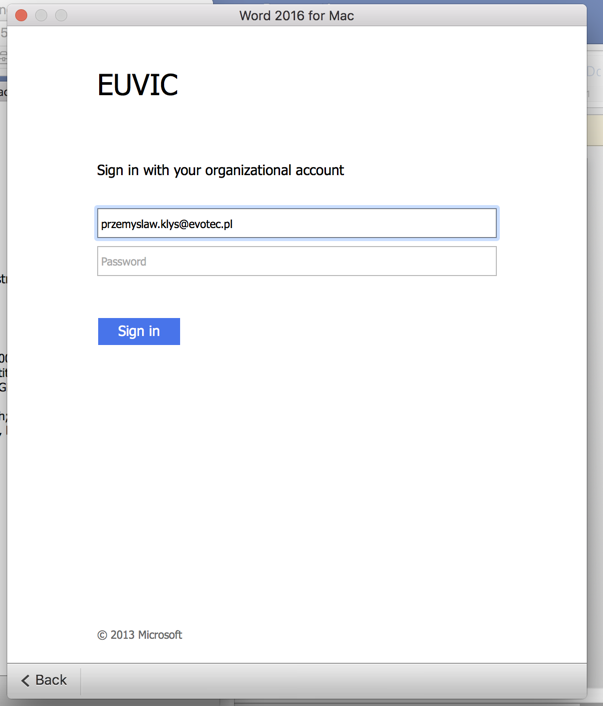
Shutting down the working server and starting back up the other one gave us the same problem again. It seems the blame was totally on bad ADFS server that will need to be verified further before going into production. After entering password checking for license started
And as soon as it was found… activation process began.

To finally give us the Good News! Office for Mac 2016 from Office 365 package was Activated.